
Image Cropper
Crop an image to a precise region or a fixed aspect ratio.
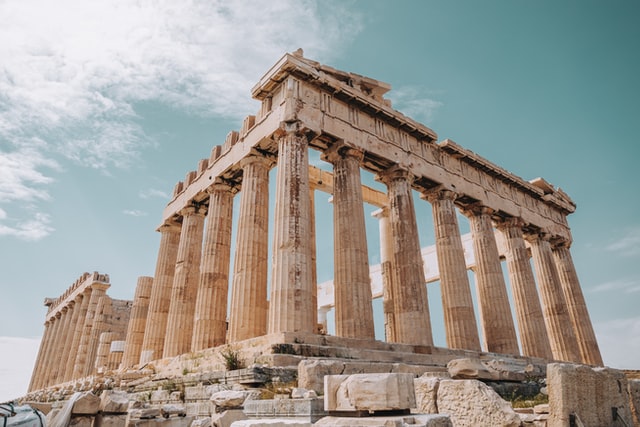

The Image Cropper lets you select and cut out exactly the part of an image you want to keep. It is free to use with no sign-up required. Social media managers preparing profile pictures, sellers framing product photos, and anyone removing distracting background from a photo will find this tool useful.
Why use an image cropper?
Cropping trims an image down to a smaller rectangular region, which lets you remove unwanted edges, refocus attention on a subject, or fit a specific aspect ratio requirement. Many platforms, such as social media profile photos or product listings, expect images in exact ratios like 1:1 or 16:9, and cropping is the most direct way to meet those requirements without distorting the picture. Unlike resizing, cropping does not stretch or squeeze content, it simply removes what falls outside the selected area.
How to use the Image Cropper
- Upload the image you want to crop.
- Drag the crop box or choose a preset aspect ratio.
- Download the cropped image.
Key features
- Freeform cropping and preset aspect ratios
- Live preview of the selected crop area
- Supports JPG, PNG, and other common formats
- Free with no sign-up required
Related tools
After cropping, you can fine-tune dimensions with Image Resizer or correct orientation with Rotate Image. Use Image Compressor to shrink the file size afterward.
Frequently asked questions
Is the Image Cropper free?
Yes, cropping images is completely free and requires no account. You can crop as many images as you like.
Can I crop to a specific aspect ratio?
Yes, the tool offers preset aspect ratios such as square, 4:3, and 16:9, alongside a freeform option. This makes it easy to match requirements for profile pictures, banners, or thumbnails.
Does cropping reduce image quality?
Cropping itself does not degrade the remaining pixels, since it only removes the parts of the image outside your selection. Any quality change comes only from the format you choose when saving the result.
What's the difference between cropping and resizing?
Cropping removes part of the image to change its shape or focus, while resizing scales the entire image up or down without cutting anything out. You can use both tools together for full control over your final image.
Popular Tools
Recent Posts


